
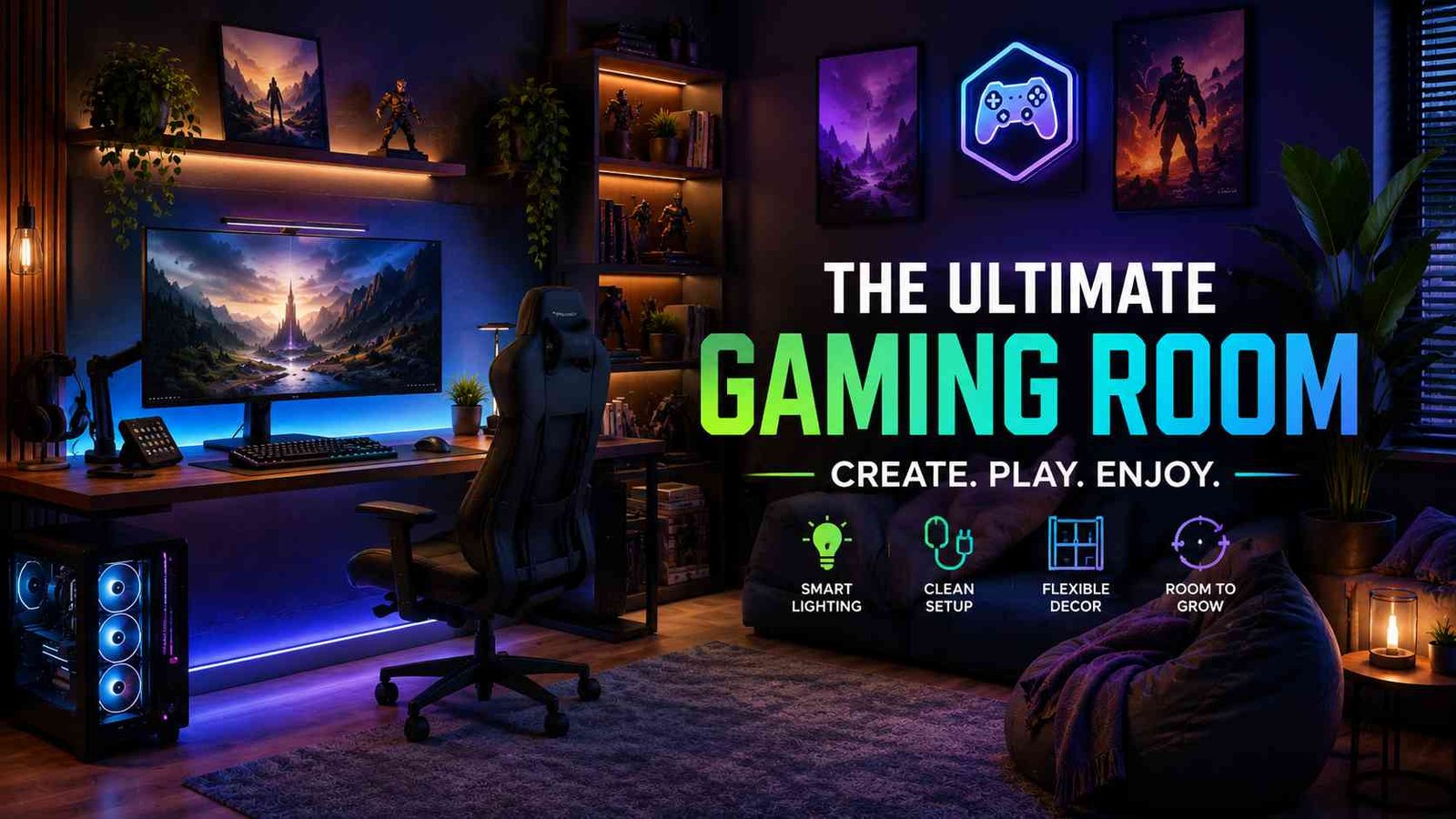
Most “gaming room decor” articles online repeat the same three tips LED strips, a gaming chair, a poster and call it a guide. That’s not enough if you’re actually trying to turn a spare bedroom into a space someone will use every day.
I’m not an interior designer or a professional decorator.
What I do have is hands-on experience setting up more than one gaming room from scratch moving furniture around, dealing with monitor glare, hiding cable messes, and figuring out through trial and error what actually makes a room feel like a proper gaming space instead of just a bedroom with a screen in it.
This guide covers 19 ideas what each one actually looks like once it’s done, plus a rough budget for each and closes with a quick FAQ for the questions people usually ask once the room is halfway finished.
1. Start With a Theme, Not Random Decor
Ballpark cost: $0 (planning only)
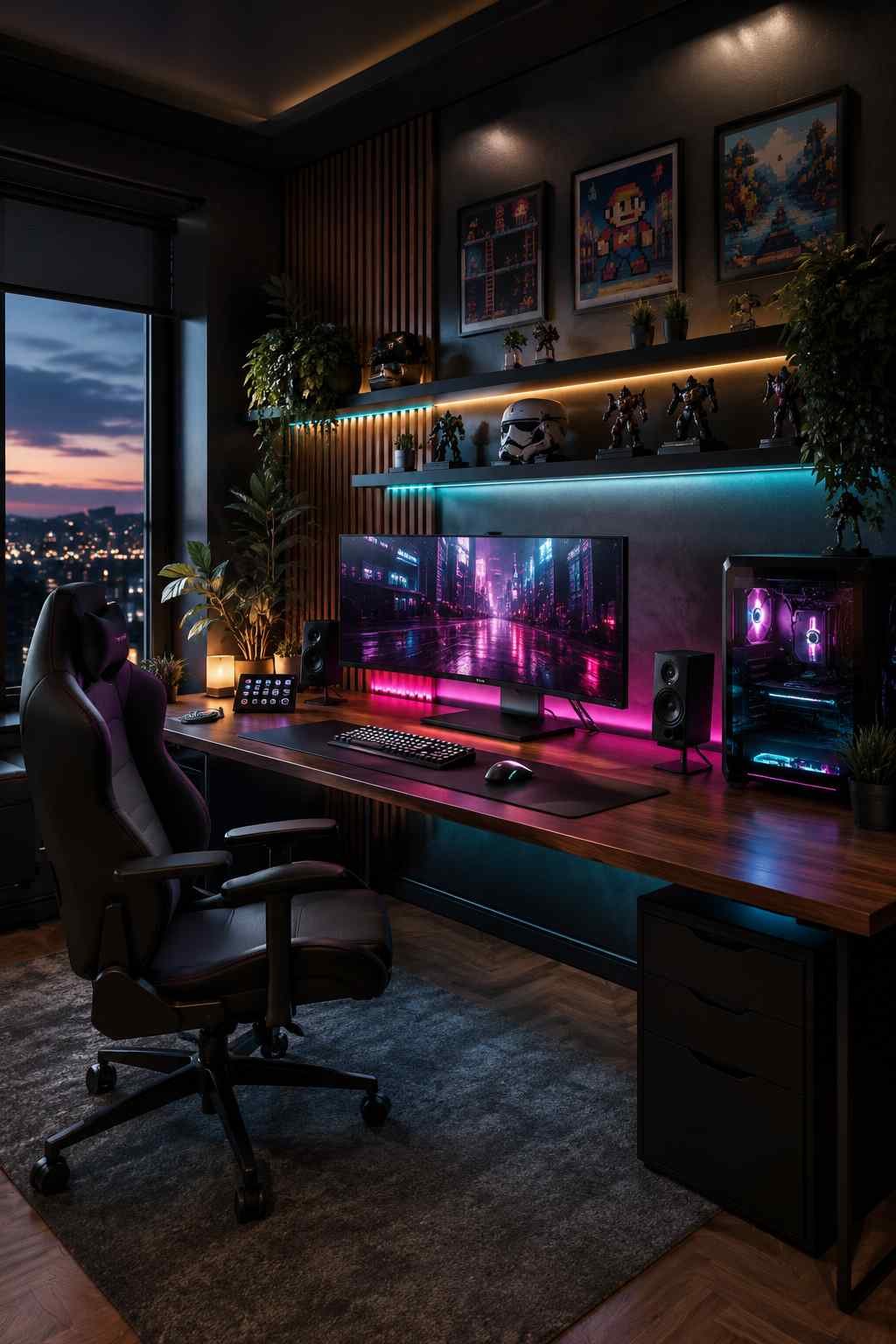
Picture the difference between a room where everything belongs together versus one where items were bought separately with no connection. A cyberpunk-themed room leans dark — charcoal or matte black walls, magenta and cyan light spilling across the desk, brushed-metal accents on shelves and frames. A retro arcade room feels the opposite: bright primary-color walls, pixel-art prints, a warm nostalgic glow instead of cold neon. A minimalist esports look strips it back to black, white, and grey with one loud accent color — often the exact shade of a favorite team or game logo. A nature-tech hybrid softens all of it with warm wood tones, a wooden desk or shelf against otherwise techy gear, so the room doesn’t feel like a server closet.
In my own setups, the rooms built around one of these looks felt finished the moment the last item went up. The ones without a direction always looked like a pile of separate purchases, no matter how much got spent.
2. Get the Lighting Right First
Ballpark cost: $15–40 for basic LED strips, $30–80 for smart bulbs
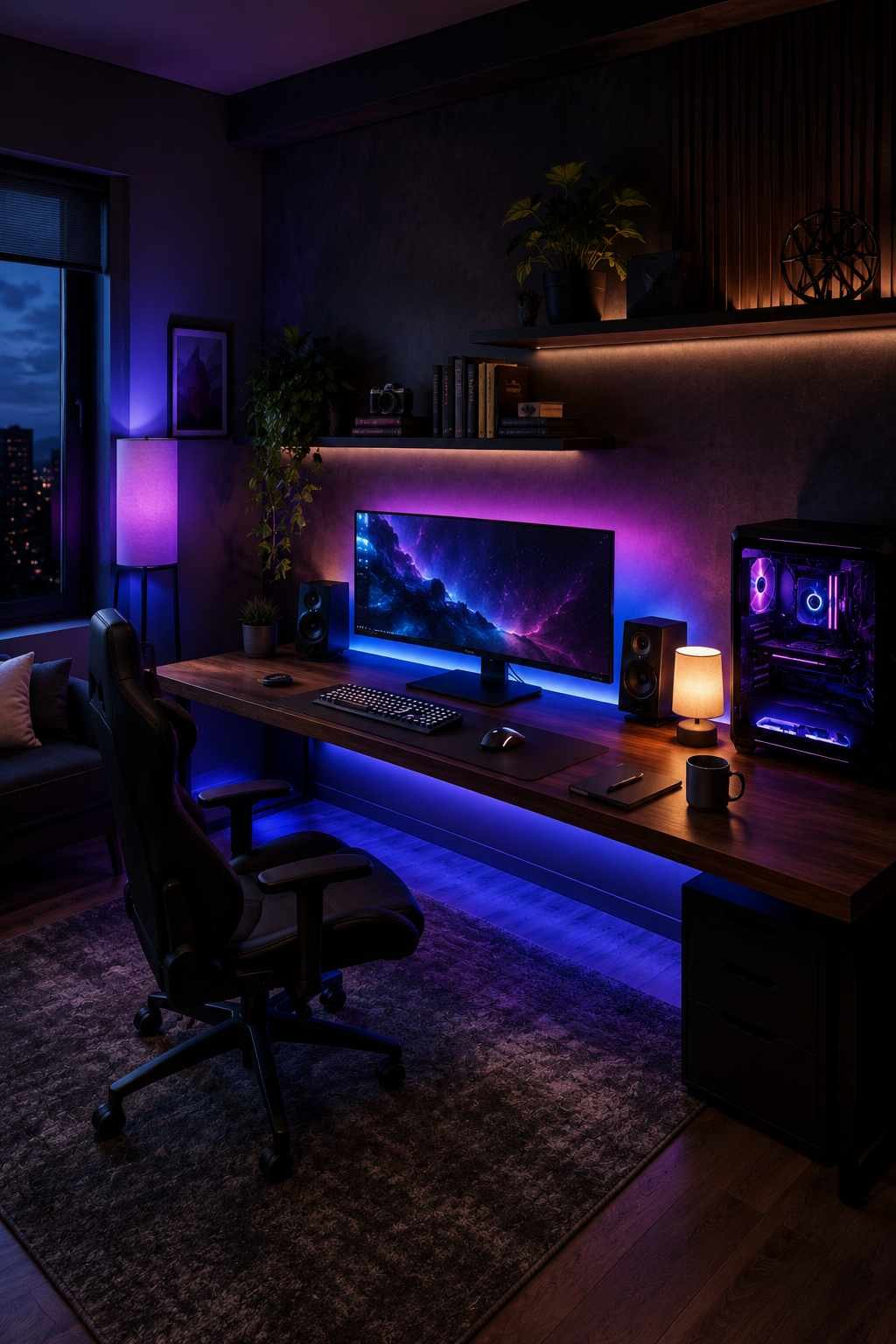
The best version of this looks like a soft colored glow tracing the back edge of the monitor and spilling onto the wall behind it — never shining straight into the eyes, never bouncing off the screen itself. Underneath the desk, a second thin strip in a matching or complementary tone lights the floor just enough to remove hard shadows. A smart bulb in the corner of the room, set to shift slowly between deep blue and purple, gives the whole space a slow-moving ambience instead of one flat color. Next to all of it, a small warm-toned lamp sits on the desk for the moments the room isn’t in “gaming mode” — homework, reading, or just daylight hours.
3. Choose Comfort Over Looks for the Chair
Ballpark cost: $80–150 for a solid mid-range chair, $20–30 to upgrade a basic office chair with a cushion
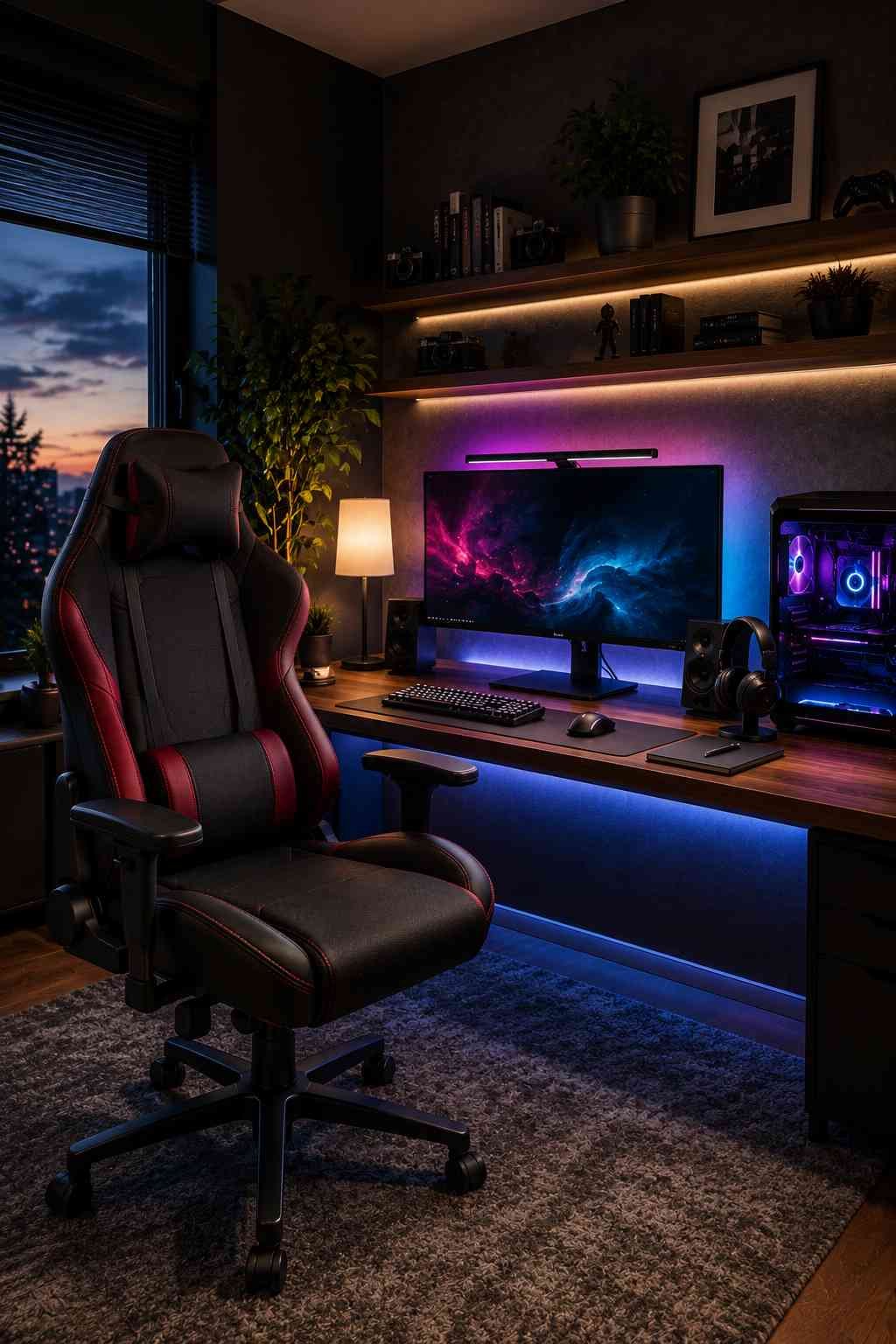
A racing-style chair in black and red, or black and a theme-matching accent color, anchors the desk area visually the same way a couch anchors a living room. Even a plain office chair dressed with a bold-colored cushion cover picks up the room’s palette and stops looking like an afterthought. Either way, the chair reads as part of the room’s design language, not just a place to sit.
4. Build a Clean, Functional Desk Setup
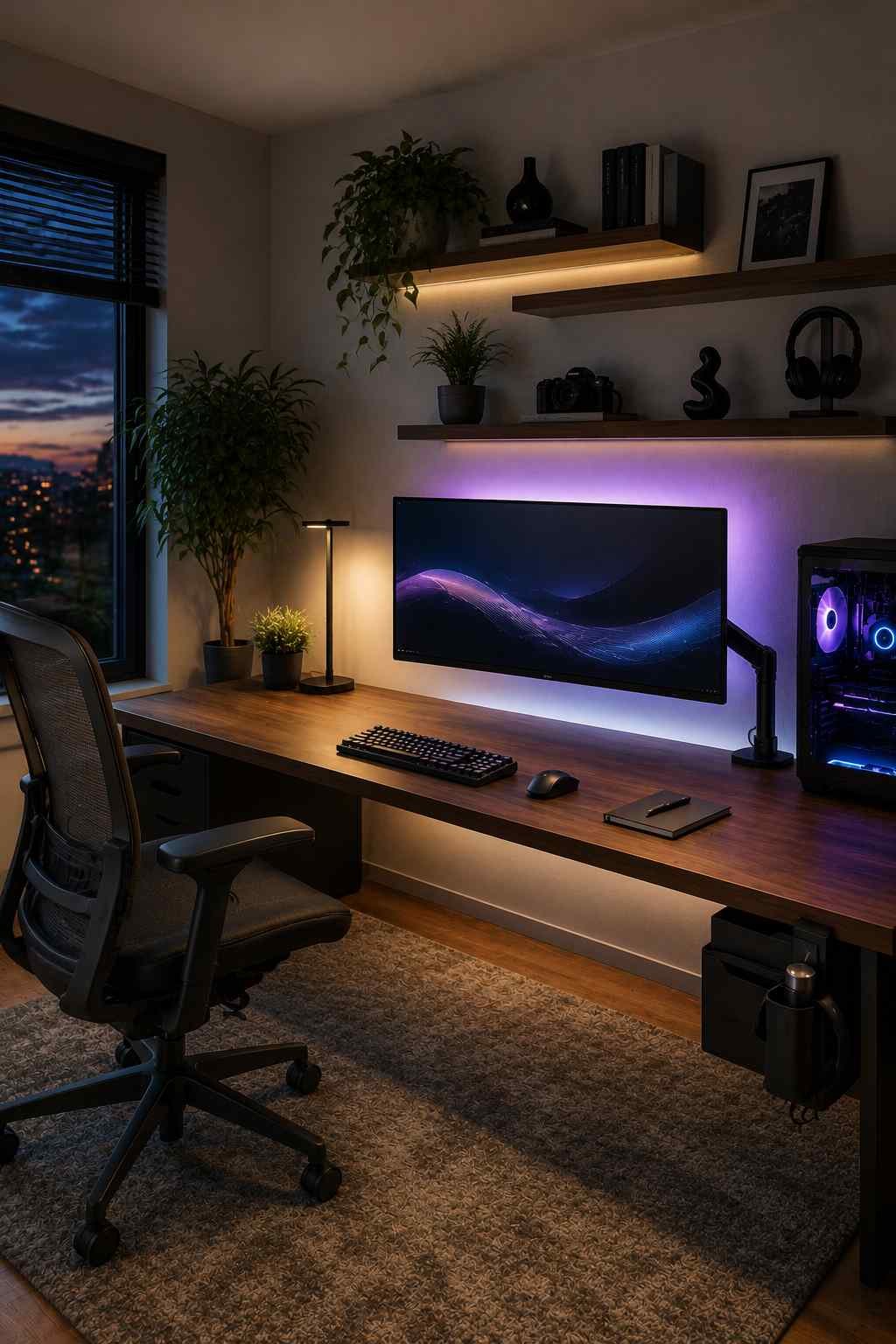
Ballpark cost: $60–200 depending on desk size and features
The strongest desk setups have almost nothing visible on the surface besides the monitor, keyboard, and mouse — everything else tucked into drawers, a side caddy, or mounted off the desk entirely. A monitor lifted on a slim arm instead of resting on a stand opens up a clean stretch of desk below it, and a dark or wood-toned desk surface against a lighter wall makes the whole station stand out as a deliberate feature of the room rather than just furniture.
5. Create One Statement Wall
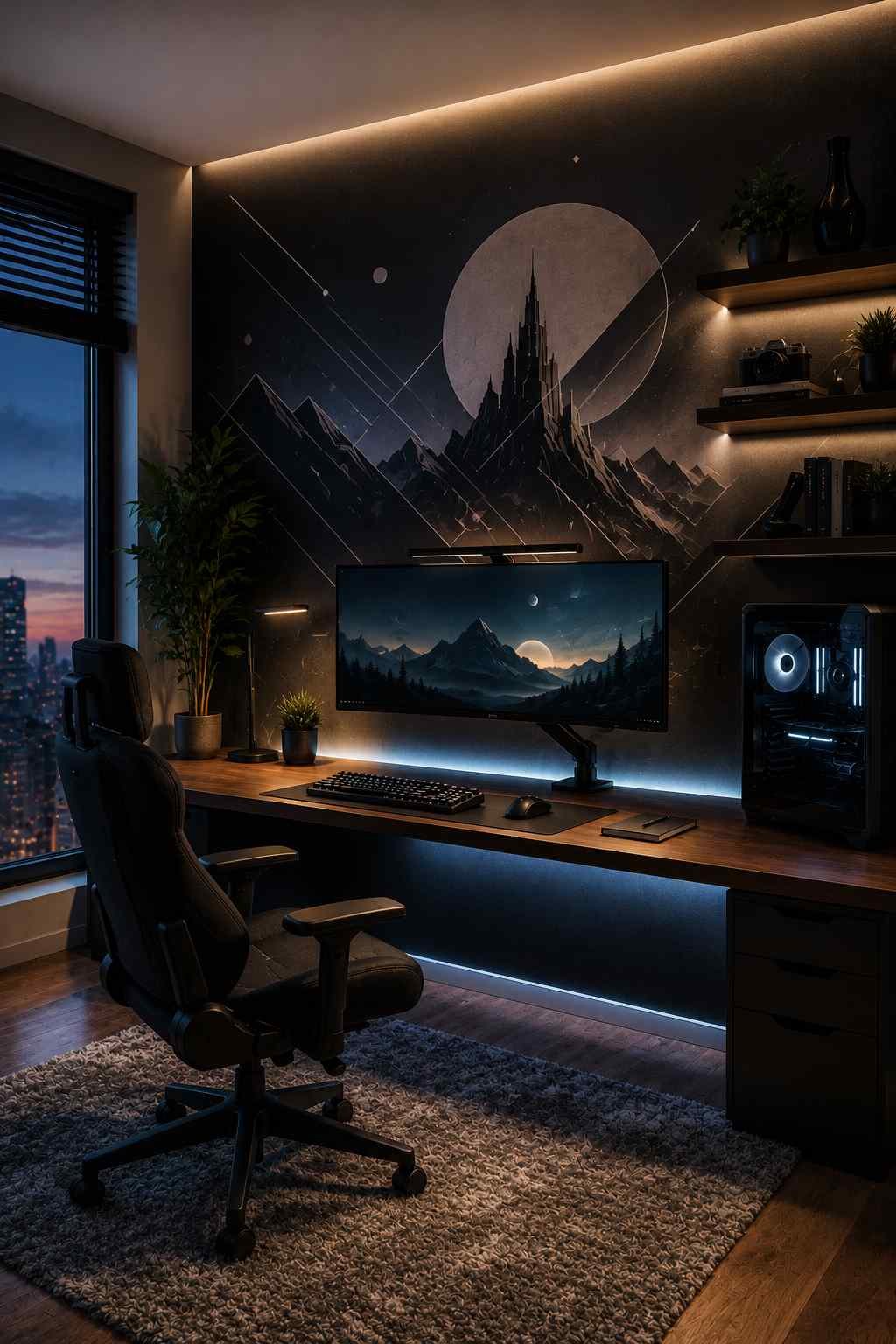
Ballpark cost: $20–60 for a decal or paint, $50+ for framed art
Think of one wall painted a deep charcoal or navy, with a large vinyl decal of a favorite game character or logo stretched across it, lit from below by a thin LED strip. Or a tighter, gallery-style version: three or four framed pieces of game art hung close together, all matching frame color, on an otherwise plain wall. Either version gives the eye one clear place to land the moment someone walks in, instead of competing patterns spread across every wall.
Check – How To Design a Modern Luxury Bathroom
6. Add Wall-Mounted Storage for Gear
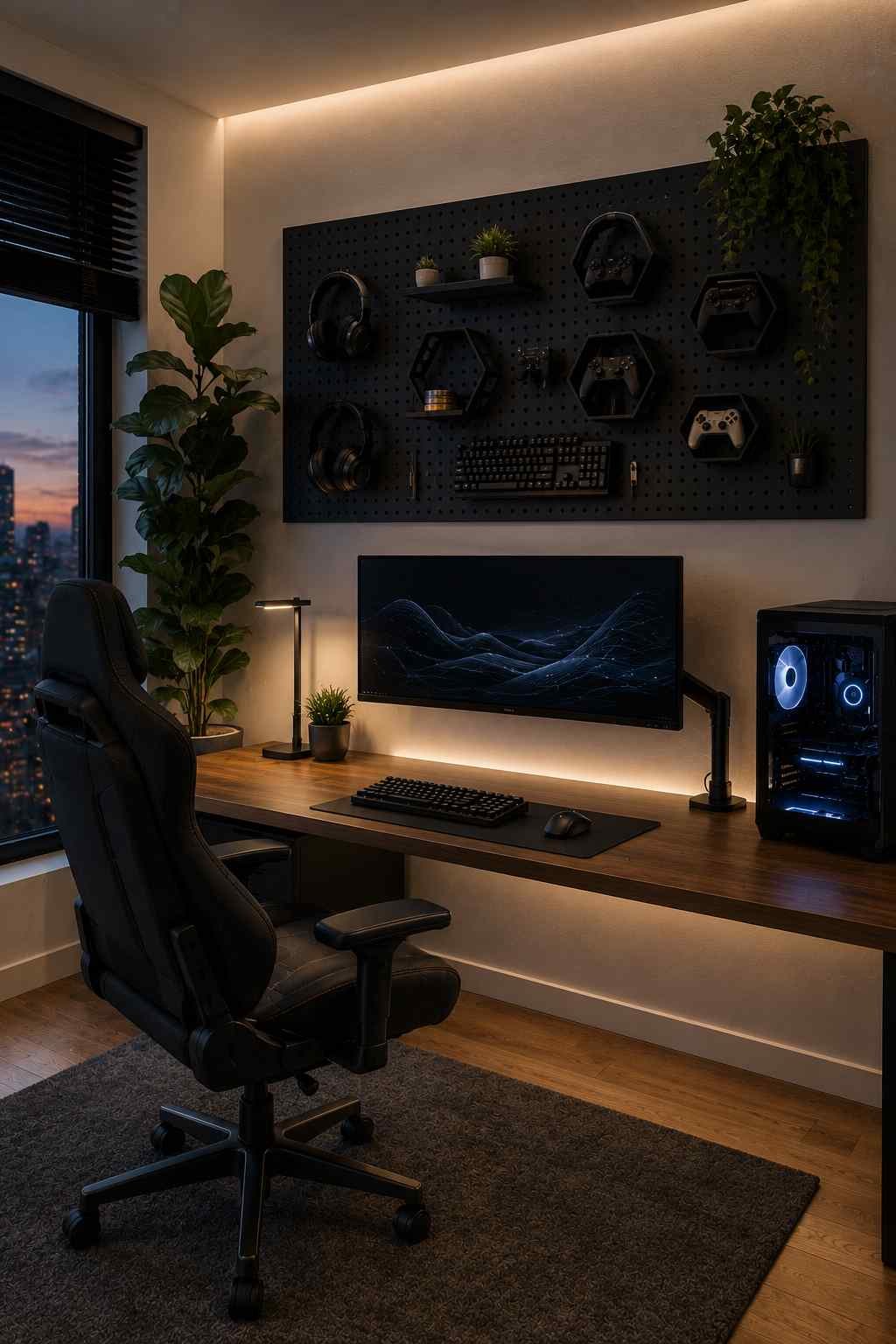
Ballpark cost: $15–35 for a peg board or gaming gear organizer
A black or white peg board mounted just above the desk, with headsets hanging from hooks and small hexagonal shelves holding controllers, looks almost like an art installation rather than storage. The gear becomes part of the wall’s visual texture instead of clutter scattered across the desk.
7. Use Floating Shelves for Display
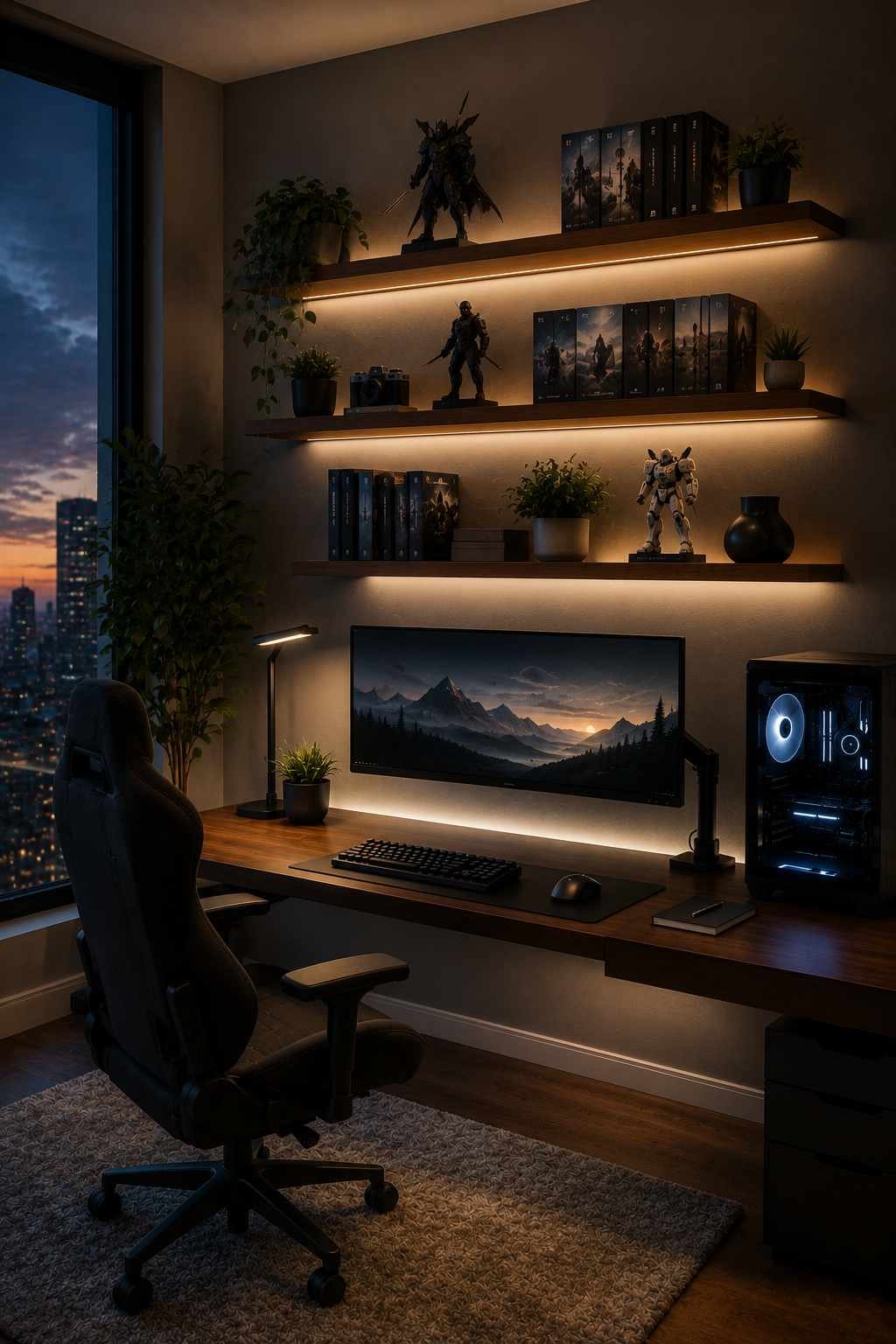
Ballpark cost: $10–25 per shelf
A row of two or three thin floating shelves, slightly offset in height, holding a mix of game cases stood upright, one or two collectible figures, and a small plant tucked at the end — this combination reads as curated rather than random. The slight asymmetry between items (a taller figure next to a stack of shorter cases) makes it look like a display someone put thought into, not a store shelf.
8. Add a Neon or LED Sign
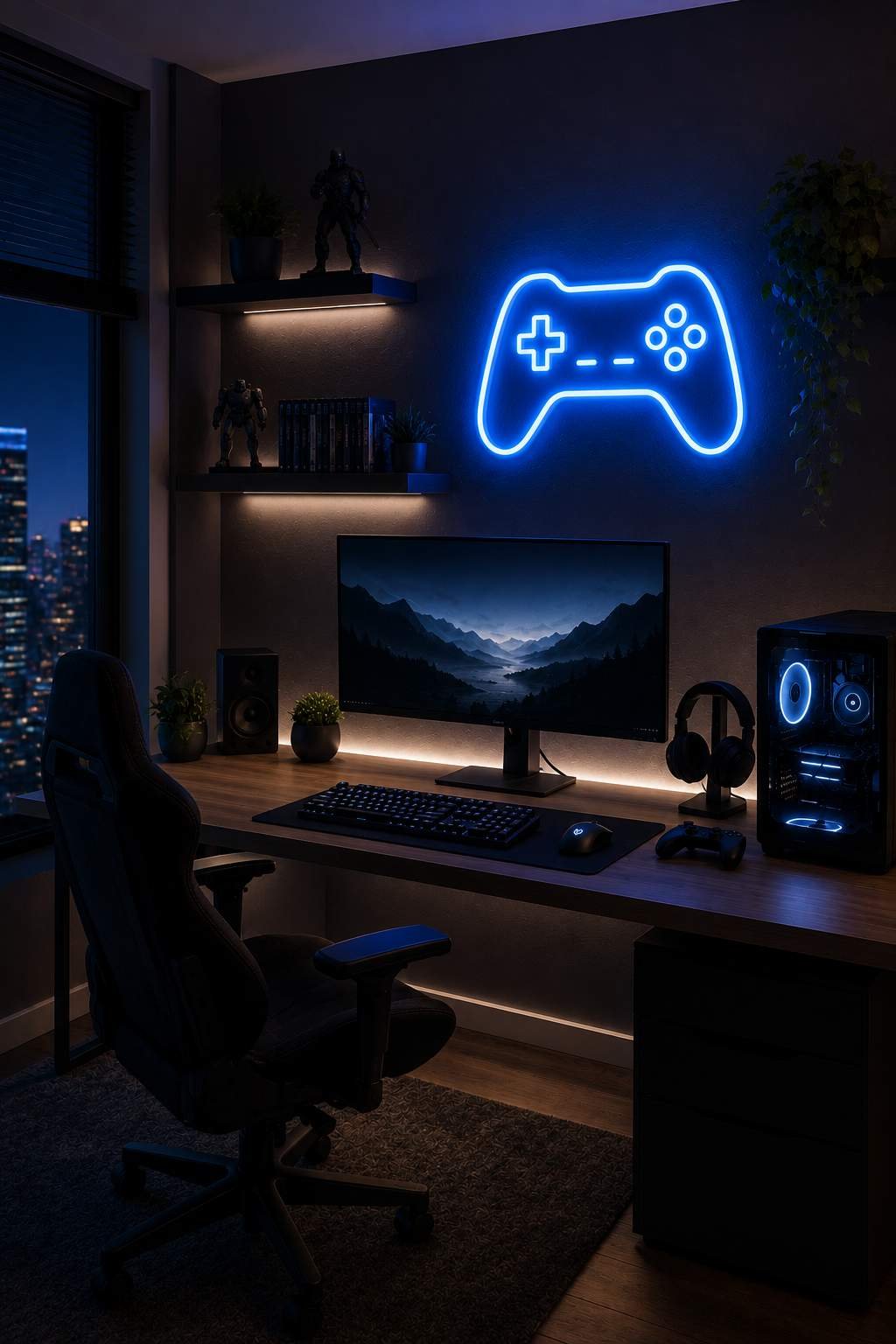
Ballpark cost: $25–70 depending on size and custom text
A slim, wall-mounted sign glowing in a single bold color — a gamertag script, a short phrase, or a simplified game logo — mounted above the desk or bed gives the room a focal point that catches light even with the main lights off. Cool-to-the-touch LED versions in pink, blue, or green tend to photograph and read the strongest against a dark wall.
9. Define the Space With a Rug
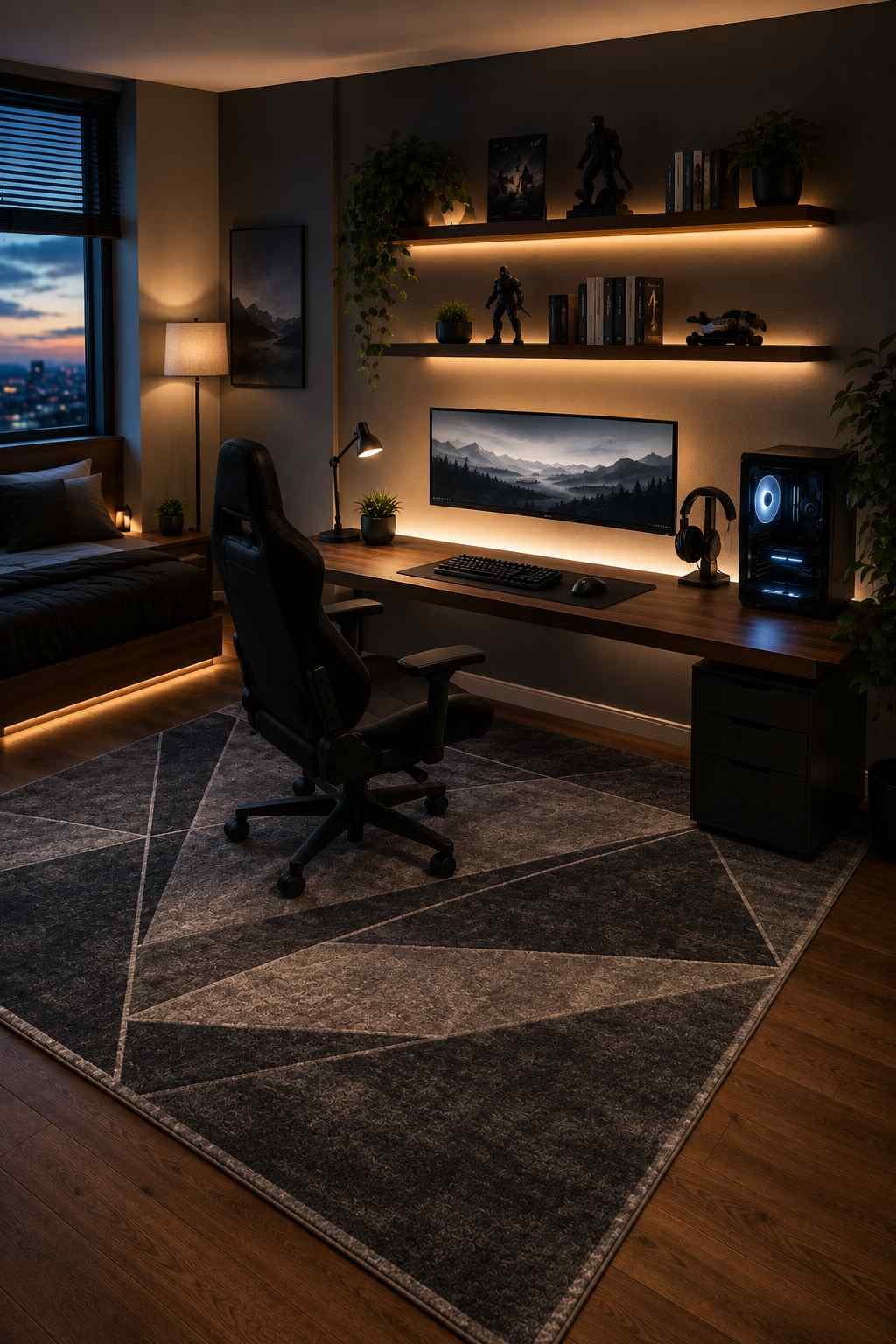
Ballpark cost: $25–60
A rug with a bold geometric pattern, or a solid color pulled from the room’s accent palette, laid under the desk and chair visually carves out a “zone” the same way a rug does in a living room — even in a room where a bed sits just a few feet away. It gives the setup a clear boundary without adding a single wall.
10. Use Acoustic Panels as Wall Art

Ballpark cost: $20–45 for a small set
Hexagon or geometric acoustic panels in two or three colors, arranged in a honeycomb pattern across part of a wall, look intentional and modern — closer to a piece of modular art than studio equipment. Arranged behind or beside the desk, they double as a design feature while quietly softening echo during calls or streaming.
11. Install Blackout or Dimmable Curtains
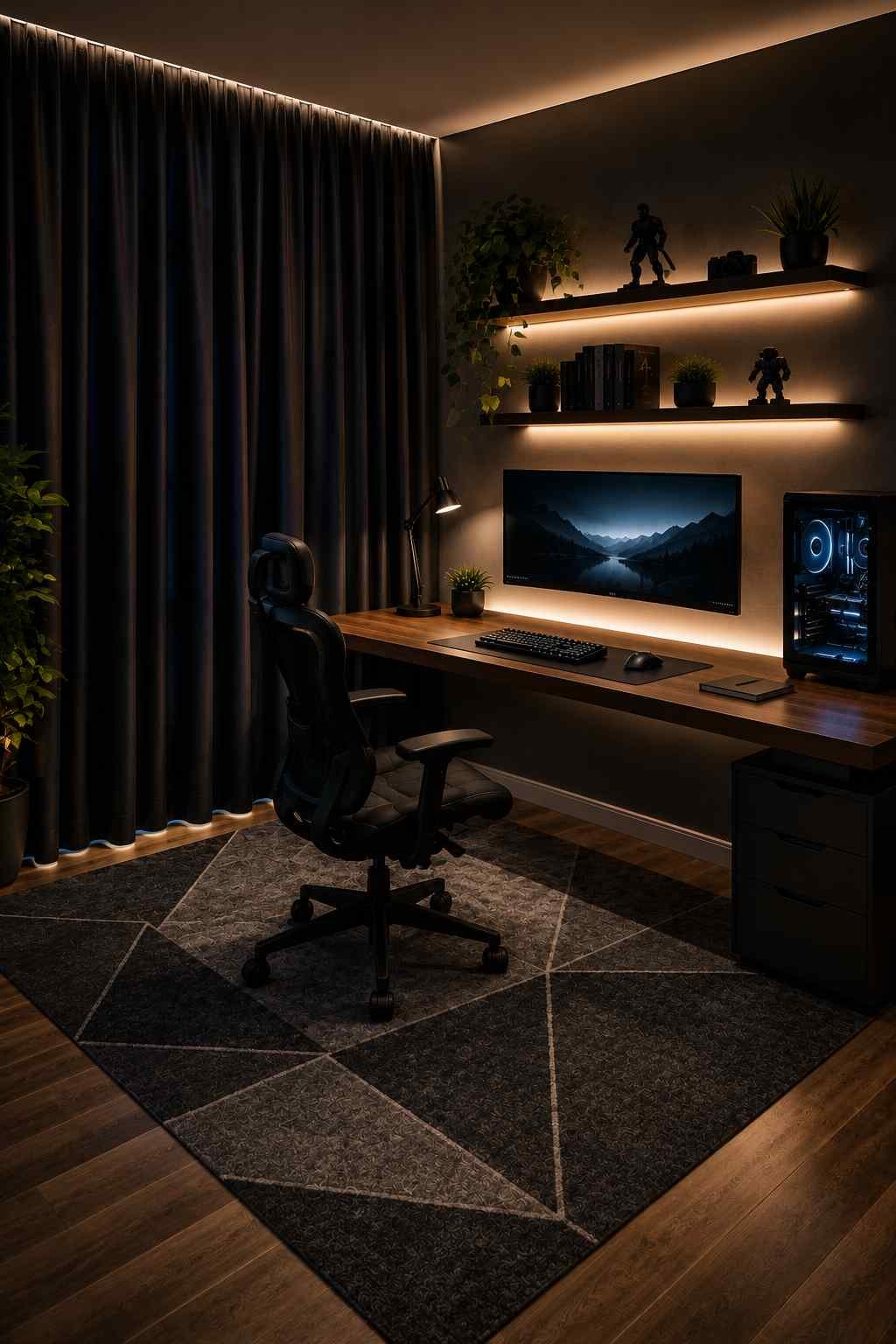
Ballpark cost: $20–50 per set
Floor-length curtains in a deep color that matches the room’s theme — black, navy, or a deep green — frame the window the same way they’d frame a stage, and when closed, they turn the whole room into a dark, glare-free space where the LED lighting and monitor become the main light sources.
12. Set Up a Snack Station
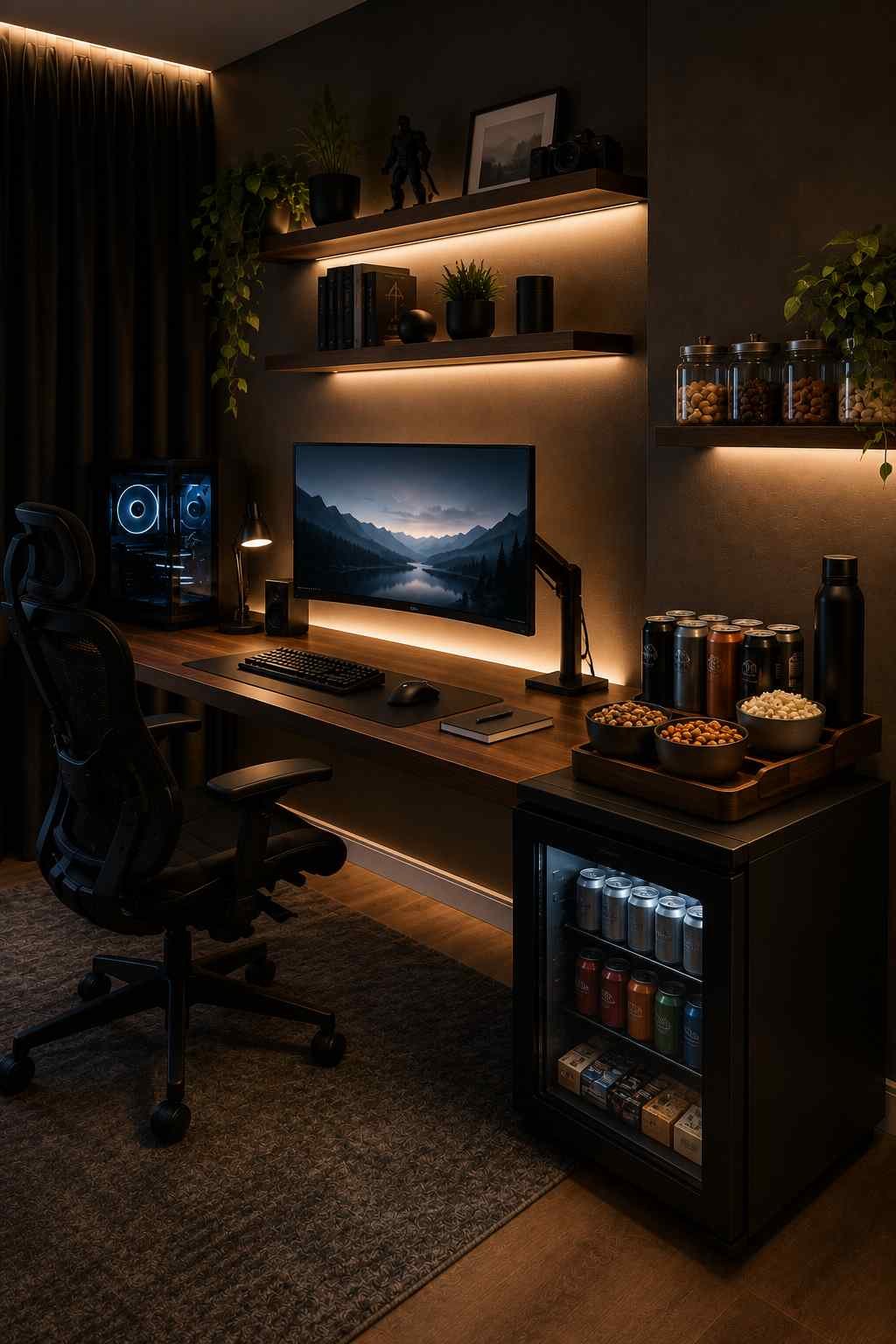
Ballpark cost: $40–80 for a mini fridge, $10–15 for a simple snack shelf
A small fridge in matte black or a bold color, tucked beside or under the desk with a few drink cans and snacks visibly stacked on top, reads as part of the setup rather than kitchen equipment that wandered into a bedroom. A simpler version — a single floating shelf styled with a few snacks in matching containers — achieves a similar look for a fraction of the space and cost.
13. Try a Corner Desk Layout
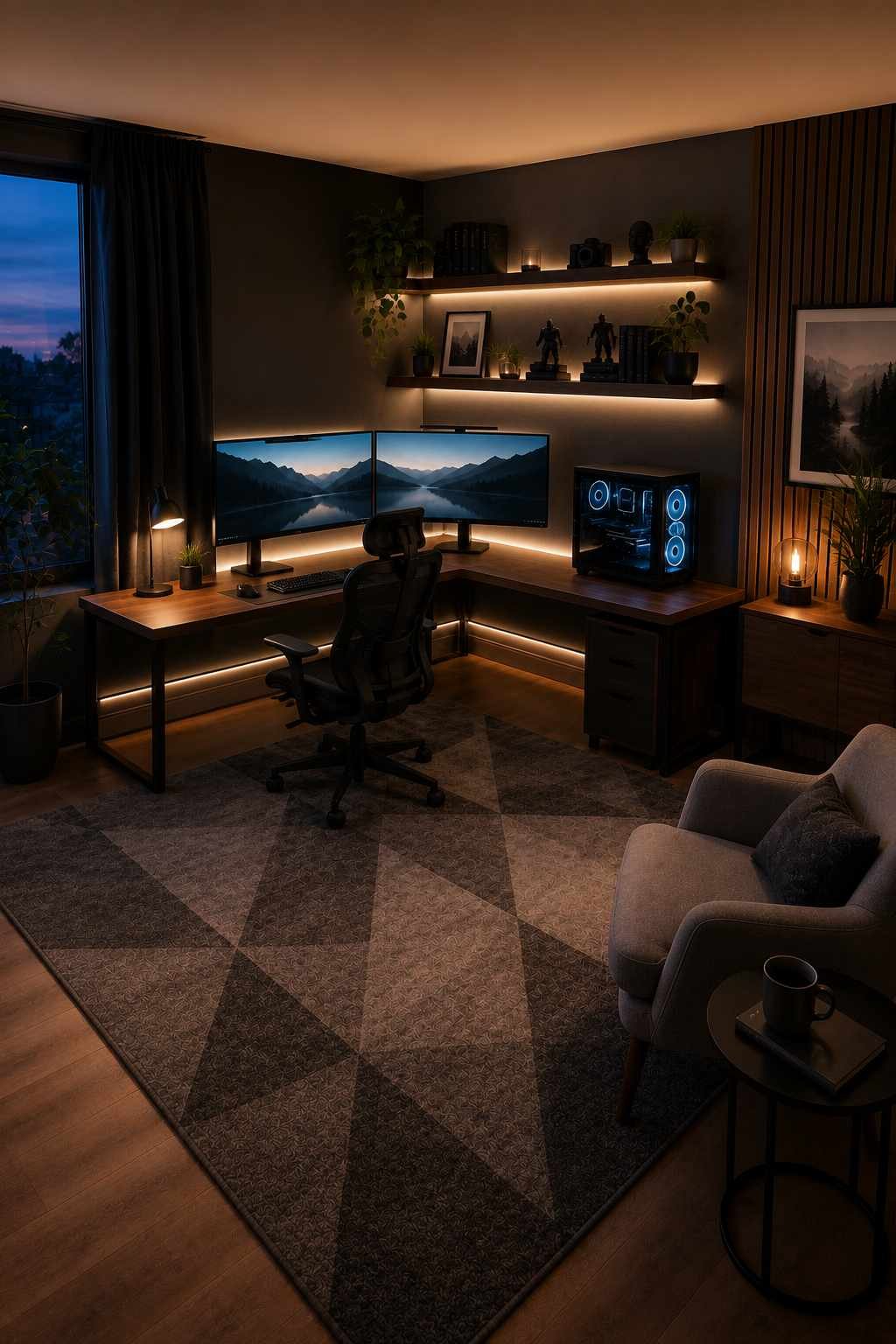
Ballpark cost: $0 if using existing furniture, $30–50 for corner desk hardware
Angled into a corner instead of flat against one wall, the desk and monitor setup start to feel like a cockpit — screens and lighting wrapping around the player instead of sitting flat in front of them. The rest of the room opens up behind, giving space for a rug, seating, or shelving that wouldn’t otherwise fit.
14. Add a Second Screen for Social Play
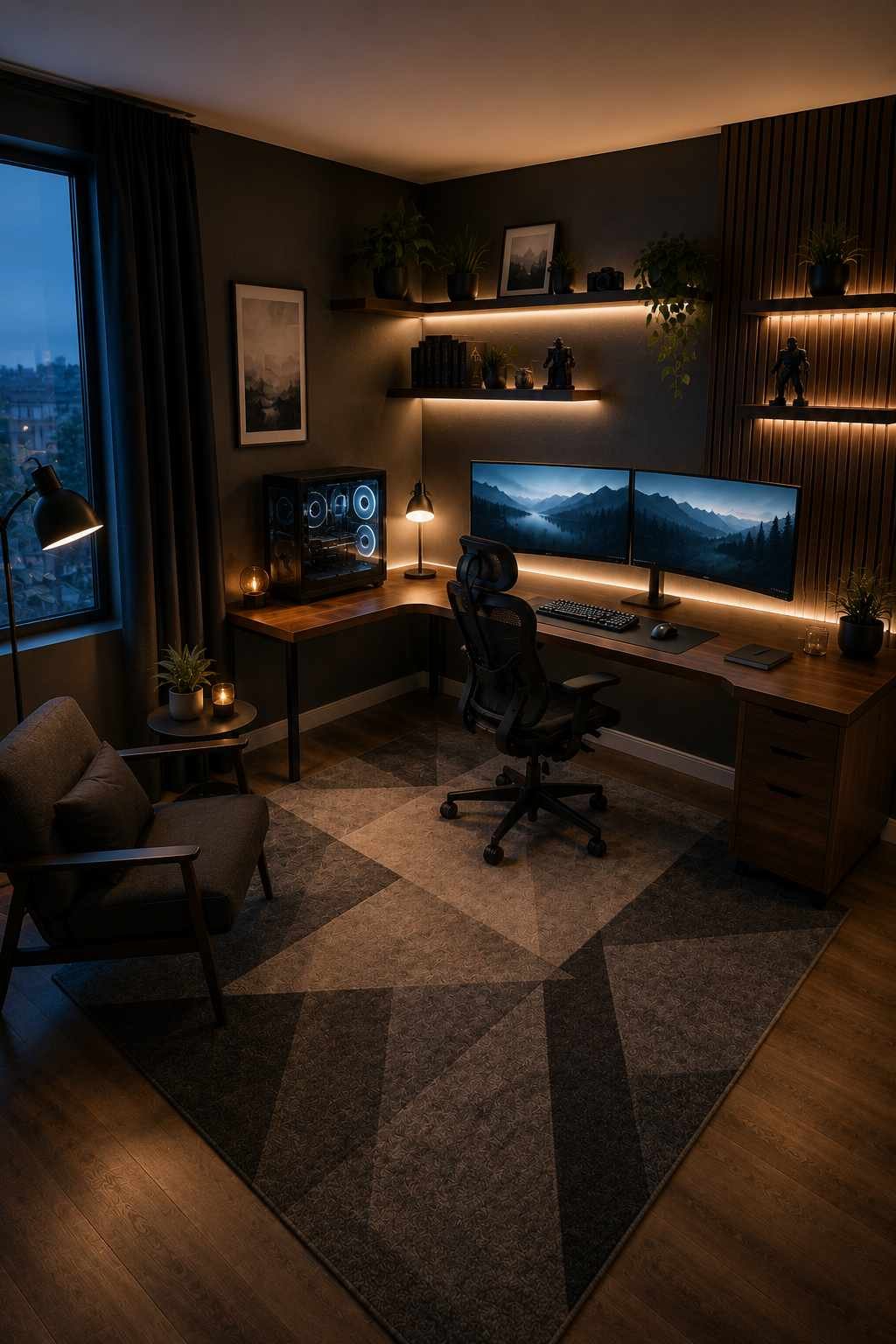
Ballpark cost: $80–150 for a small second monitor or used TV
A second, larger screen mounted on the wall opposite the gaming chair turns the room from a single-seat setup into something closer to a small home theater — one screen for the action, one for guides, streams, or a second controller during local multiplayer. Mounted flush to the wall rather than resting on furniture, it keeps the floor open and the whole layout looking planned rather than crowded.
15. Personalize With a Gamertag Sign

Ballpark cost: $15–40 for pre-made, more for custom orders
A wooden or brushed-metal cut-out of a gamertag, initials, or a simplified in-game symbol, mounted above the bed or desk, gives the room the same kind of personal signature a name plaque gives an office — instantly making the space feel like it belongs to one specific person rather than a generic setup.
16. Balance the Room With Plants

Ballpark cost: $10–25 for a low-maintenance plant, real or artificial
A single tall plant in the corner, or a small one tucked on a shelf between collectibles, breaks up the hard edges and cool light of screens and LED strips with something soft and green. Against a dark accent wall, the contrast alone makes the whole room feel warmer and less like a display case.
17. Hide Cables Properly
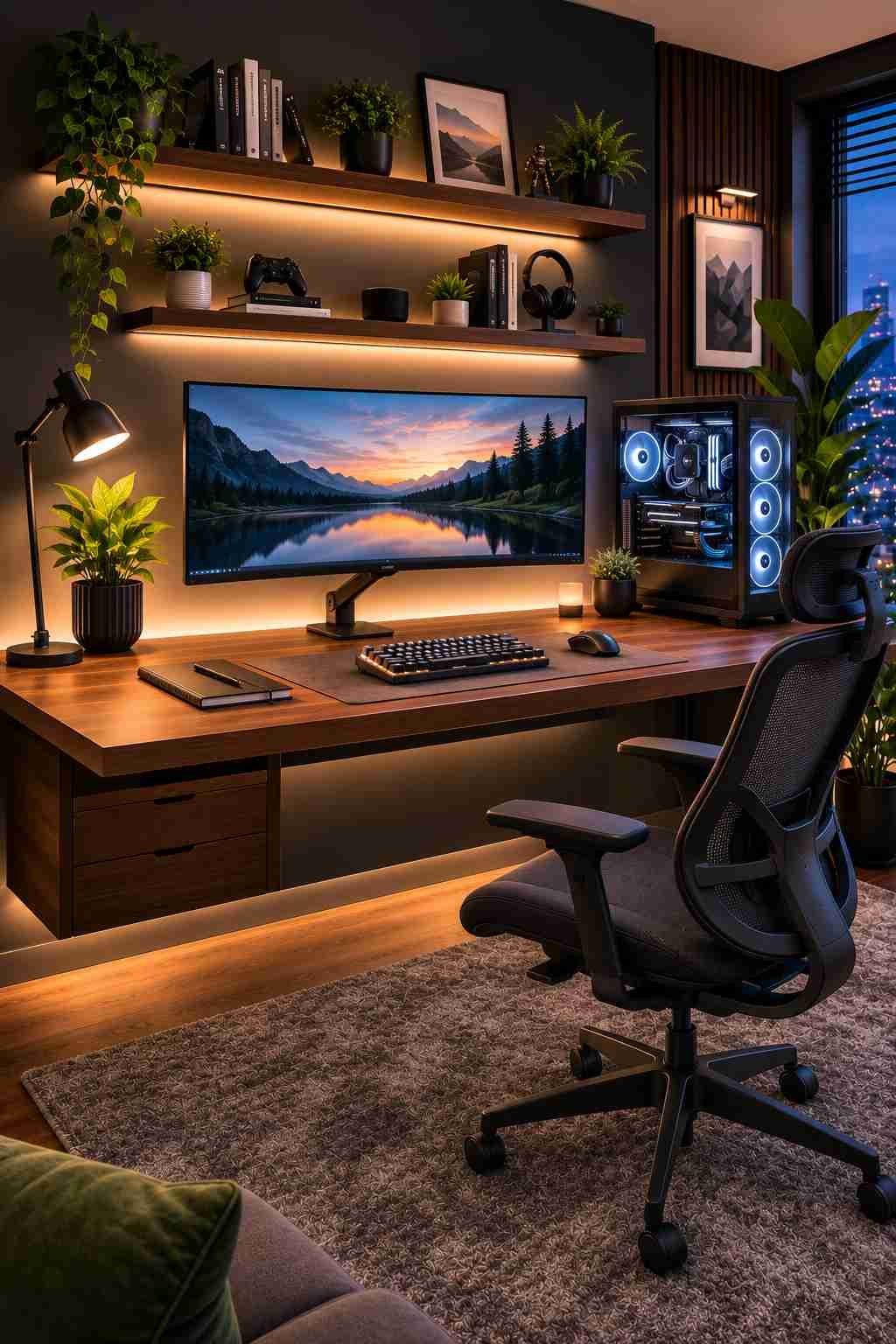
Ballpark cost: $10–20 for cable sleeves, clips, or an under-desk tray
The best-looking setups have no visible cables at all — everything running through a fabric sleeve along the back leg of the desk or tucked into a tray underneath, out of sight entirely. It’s the difference between a desk that looks like a product photo and one that looks like a mess of wires with a monitor stuck in front of it.
18. Add Bean Bags or Floor Seating for Friends
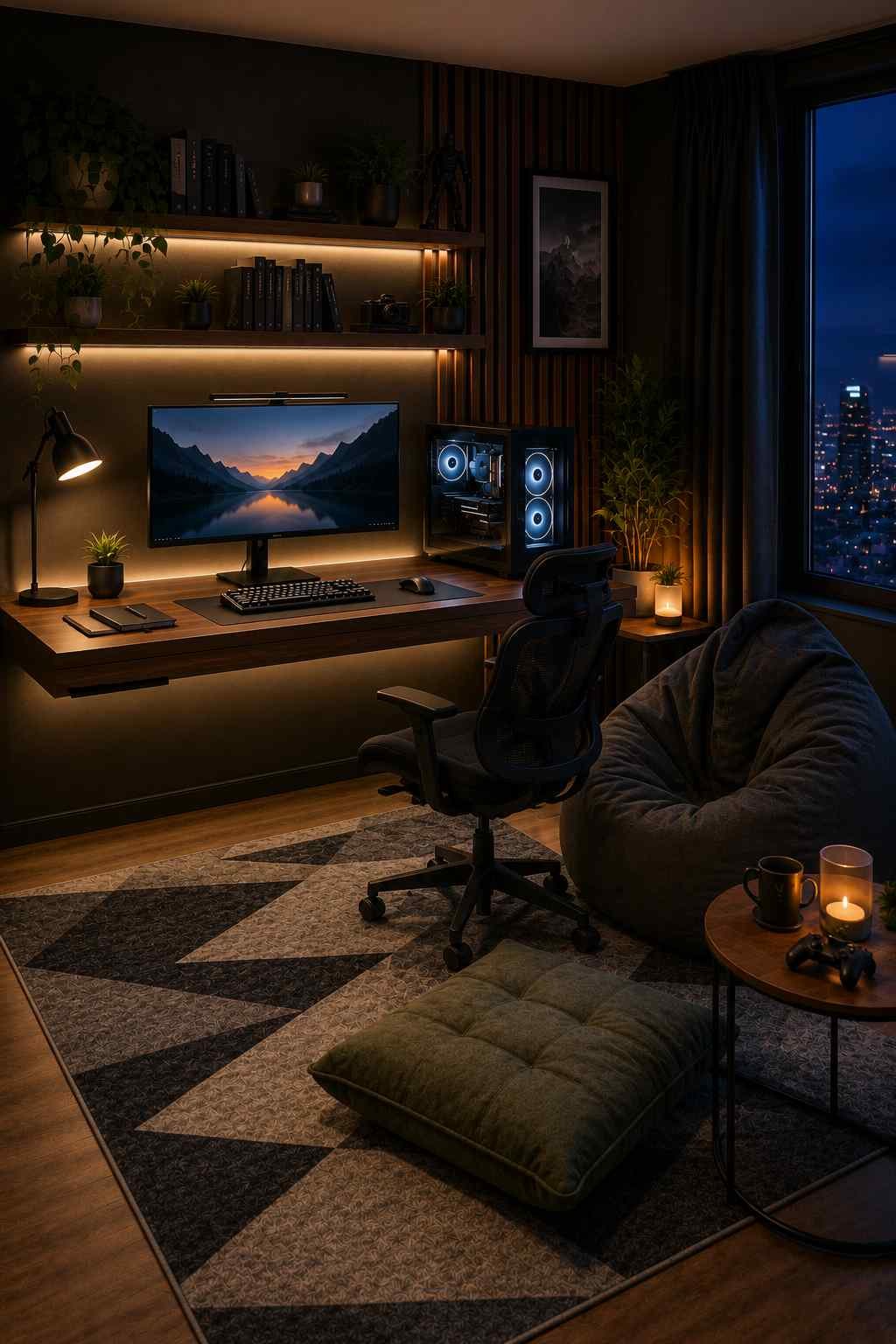
Ballpark cost: $30–70 for a bean bag or floor cushion
A bean bag or floor cushion in a color pulled from the room’s palette, placed just off to the side of the main desk setup, turns the corner into a casual second seat — somewhere a friend can drop down during a multiplayer session without needing a second chair pulled in from another room.
19. Refresh the Room With Game Releases
Ballpark cost: Varies — usually $10–30 per refresh
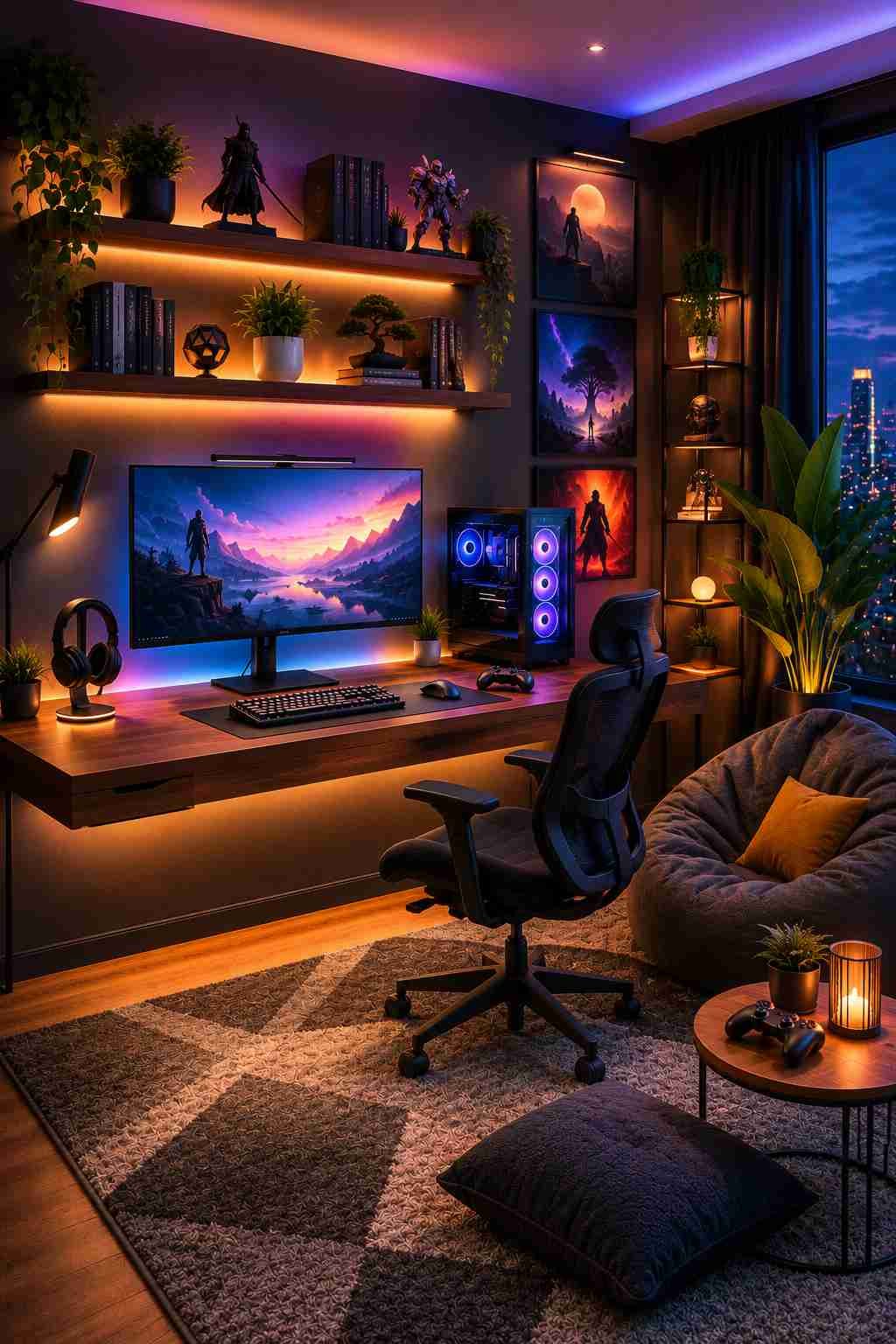
A swapped poster, a new figure added to the shelf, or the LED color scheme shifted to match a newly released game’s palette keeps the same room looking current every few months, without repainting a single wall or buying new furniture.
Practical Tips Before You Start Shopping
From setting up more than one of these rooms personally, here’s what I’d tell anyone starting from scratch:
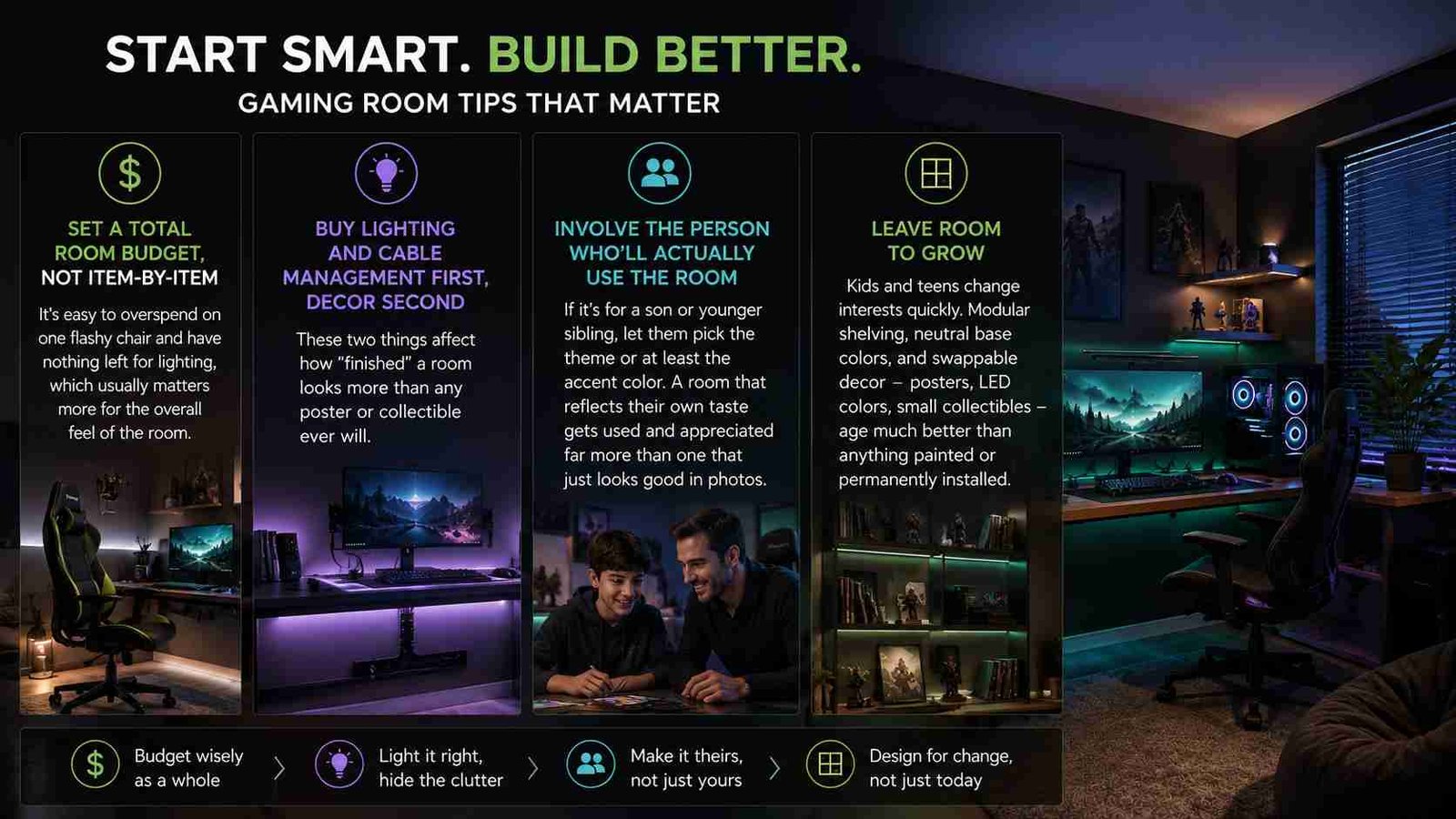
Set a total room budget, not an item-by-item one. It’s easy to overspend on one flashy chair and have nothing left for lighting, which usually matters more for the overall feel of the room.
Buy lighting and cable management first, decor second. These two things affect how “finished” a room looks more than any poster or collectible ever will.
Involve the person who’ll actually use the room. If it’s for a son or younger sibling, let them pick the theme or at least the accent color. A room that reflects their own taste gets used and appreciated far more than one that just looks good in photos.
Leave room to grow. Kids and teens change interests quickly. Modular shelving, neutral base colors, and swappable decor — posters, LED colors, small collectibles — age much better than anything painted or permanently installed.
Frequently Asked Questions
How much does it cost to decorate a boy’s gaming room on a budget?
A basic refresh using LED lighting, a rug, a few shelves, and small decor items can be done for around $100–150. A more complete setup including a chair upgrade, desk improvements, and a second screen can run $300–600, depending on what’s reused versus bought new.
What’s the most important gaming room upgrade to do first?
Lighting. It affects both the visual feel of the room and how comfortable it is to actually play for long stretches, and it’s usually the cheapest item on this entire list.
Do gaming rooms need a theme to look good?
Not strictly, but having even a loose theme — a color palette or a general style like retro or minimalist — makes decor choices faster and keeps the room from looking cluttered or mismatched.
What decor works best for a small gaming room?
Wall-mounted storage, floating shelves, and a corner desk layout all save floor space while still adding personality. Avoid bulky furniture like large bean bags or a second full-size desk if the room is genuinely tight on space.
How do I make a gaming room feel less messy with all the cables and gear?
Cable sleeves, an under-desk tray, and wall-mounted storage for controllers and headsets solve most of it. This is usually the difference between a room that looks put-together and one that looks cluttered, regardless of how much decor is added on top.
Final Thoughts
A great gaming room isn’t about spending the most money it’s about layering small, practical decisions on top of each other: solid lighting, a comfortable chair, hidden cables, and a few personal touches that make the space feel like it actually belongs to the person using it.
Start with the basics lighting, seating, and the desk setup then build up the personality with shelves, wall art, and small comfort upgrades.
These 19 ideas aren’t a strict checklist. Pick the ones that fit the space, the budget, and most importantly, the person the room is actually for. That’s what turns a bedroom with a computer in it into a room someone genuinely loves spending time in.
[…] ALSO READ: 19 Gaming Room Decor Ideas for Boys in 2026 (Tested Ideas, Real Budgets, No Fluff) […]